
How to color SEM images using ImageJ?

Here is the step-by-step process for colonizing SEM images by ImageJ:

Step 1: Importing the SEM image into ImageJ

  1. Open ImageJ on your computer.
  2. Click on File > Open and select the SEM image you wish to color.
  3. The SEM image will be opened in a new window in ImageJ.

Step 2: Selecting the particles to be colored

  1. Use the selection tool to outline the specific particles you wish to color. This can be done by clicking and dragging the mouse over the particles.
  2. Once the particles are selected, copy them to the clipboard by clicking on “Edit” and then “Copy”.

Step 3: Creating a mask for the particles

  1. Create a new image by clicking on “File” and then “New”. Set the dimensions to match those of the original SEM image.
  2. Use the “Paste” command to paste the copied particles onto the new image.
  3. Convert the new image to a binary image by clicking on “Image” and then “Adjust” and selecting “Threshold”. Adjust the threshold levels as necessary to create a binary image that isolates the particles.
  4. Invert the binary image by clicking on “Edit” and then “Invert”.
  5. Save the binary image as a new file.

Step 4: Colorizing the particles

  1. Go back to the original SEM image and select the “Color Picker” tool.
  2. Choose a color for the particles by clicking on the desired color in the color picker.
  3. Click on the “Brush” tool and set the size and opacity as desired.
  4. Load the binary image that you created earlier as a mask by clicking on “Image” and then “Overlay” and selecting the binary image file.
  5. Use the brush tool to paint over the particles in the original SEM image. The color will only be applied to the particles that are masked by the binary image.

Step 5: Saving the colored SEM image

  1. Click on the “File” menu and select “Save As”.
  2. Choose a file name for the colored SEM image and select TIFF as the file format.
  3. Click “Save” to save the colored SEM image to your computer.

Step 6: Documenting and archiving

  1. Document the processing steps and any additional processing applied to the image.
  2. Archive the original SEM image, the colored SEM image, and any additional processed images, along with the processing documentation, for future reference.

Note: The specific steps for coloring specific particles in SEM images using ImageJ may vary depending on the version of the software and the specific requirements of the user. It is important to carefully review the software documentation and to consult with experienced users or experts as needed.


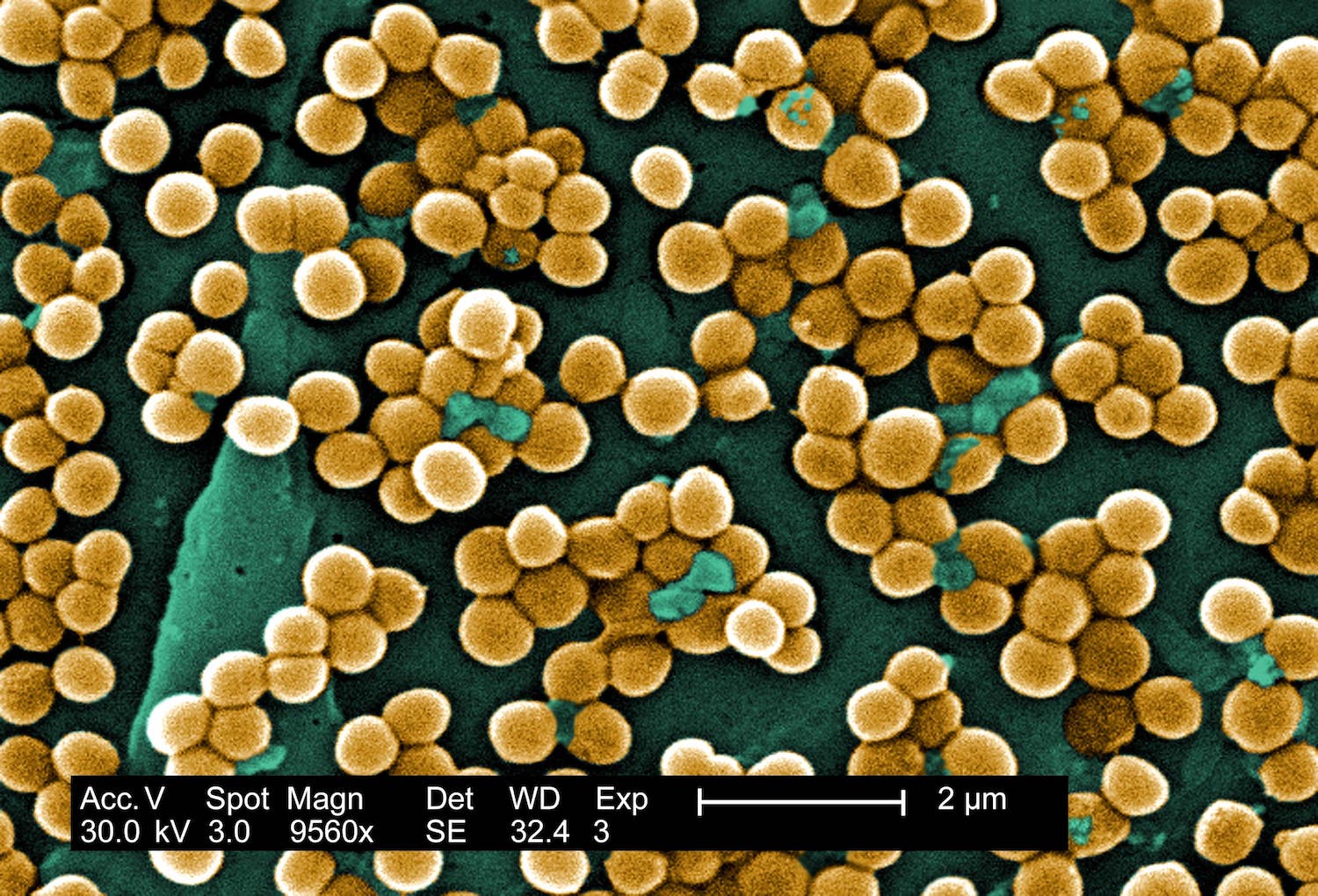
colored SEM Bacteria

Advanced SEM Solutions: Imaging, Coloring, and Analysis

We understand that obtaining clear and accurate images of your samples is crucial for your research and development, and we are here to help you achieve your goals.

Our team of experienced professionals has the expertise and skills needed to perform the most advanced SEM imaging and analysis techniques. We use state-of-the-art equipment and cutting-edge software to provide you with the best possible images of your samples.

We can help you with the following services:

Image enhancement: We can enhance the quality of your SEM images by adjusting the contrast, brightness, and other imaging parameters to make the features of your samples more visible.

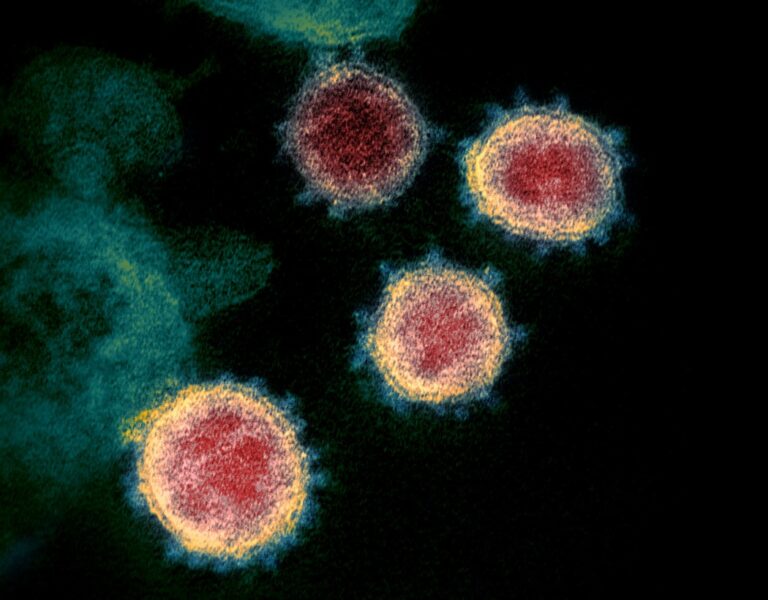
Coloring: We can color your SEM images to highlight specific features of your samples, making them easier to interpret and understand.

Analysis: We can analyze your SEM images using advanced software tools to identify and quantify the features of your samples, such as particle size and distribution.

Report generation: We can generate detailed reports of our analysis results, including statistical data and visual representations of the features of your samples.


Graphical Abstract
SEM/TEM Image Enhancement Order Form

Ready to make your SEM/TEM images shine?

Submit your request and tell us which features should stand out most. Our service is designed mainly for SEM/TEM image enhancement when needed for scientific communication, posters, manuscripts, websites, lab profiles, and journal-ready presentation.

You can guide us on what matters most in your image, such as particles, cells, bacteria, surfaces, fibers, pores, interfaces, or background separation. We then prepare a polished microscopy visual with clear structure separation and professional finishing.

1. Send us a message
2. Tell us the key features
3. Receive your enhanced image
4. Unlimited revisions until satisfaction

Pricing & Offer

  • Below 3 images: $50 USD per SEM/TEM image
  • Above 3 images: $30 USD per SEM/TEM image
  • Offer: 2 free coloring services for more than 10 SEM images
  • Designed for stronger clarity and visual communication
  • Ideal for publications, posters, talks, websites, and lab profiles
Add your order form directly below this section.